
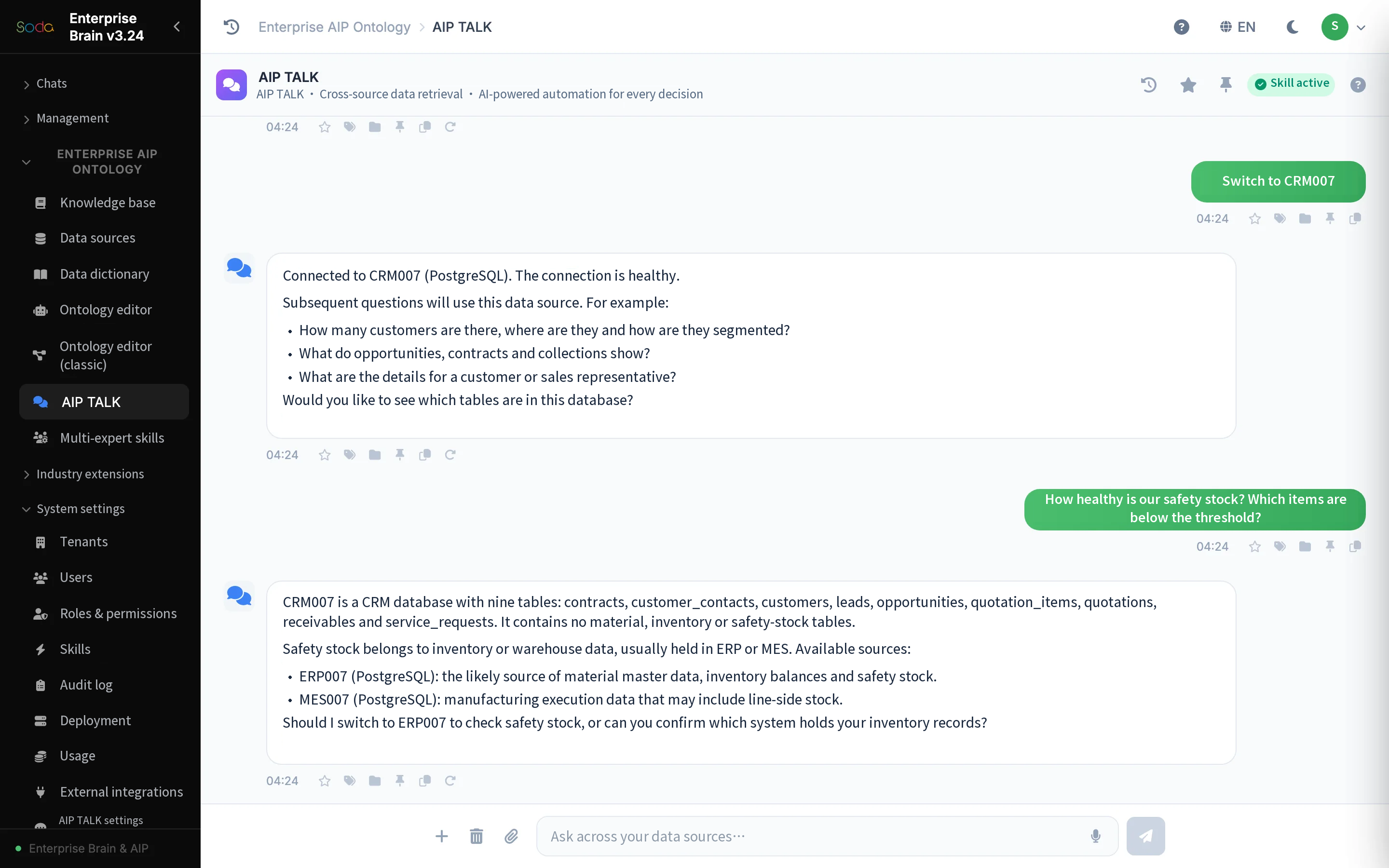



Assess each connection for the source in question. Verify version support, interface permissions and connection methods in your project environment.
Inventory your sources
List each system, its business entities, data owner, update frequency and permitted uses. Confirm which records may be read and which questions they may be used to answer. A working connection alone does not grant permission to use every record for every purpose.
Choose a connection that suits the data
Databases suit well-structured records that change regularly. Files work for limited evaluations and periodic exchanges. Application interfaces suit systems with existing access constraints. Each option has different implications for freshness, operating cost and the impact of changes.
| Connection type | Where to start | What to check |
|---|---|---|
| Databases | Operational records and metric calculations | Read-only access, field definitions and query load |
| Files | Sample-based evaluation and periodic reports | Version, encoding and update frequency |
| Application interfaces | Integration with access-controlled systems | Authorization, rate limits, response structure and error handling |
Limit the first connection to what the question needs
Start with only the tables or views needed to answer the target question and use an account with restricted permissions. Check connectivity, field visibility and query results before extending the scope. Confirm the version, authorization terms and connection method of each external system during the project assessment.
Plan for changes after the connection goes live
Schema changes, account updates, delayed data and network outages all affect analysis. Assign an owner to each connection, track changes and define how to handle failures. Readers should be able to tell whether the data covers the period they need.